dismess
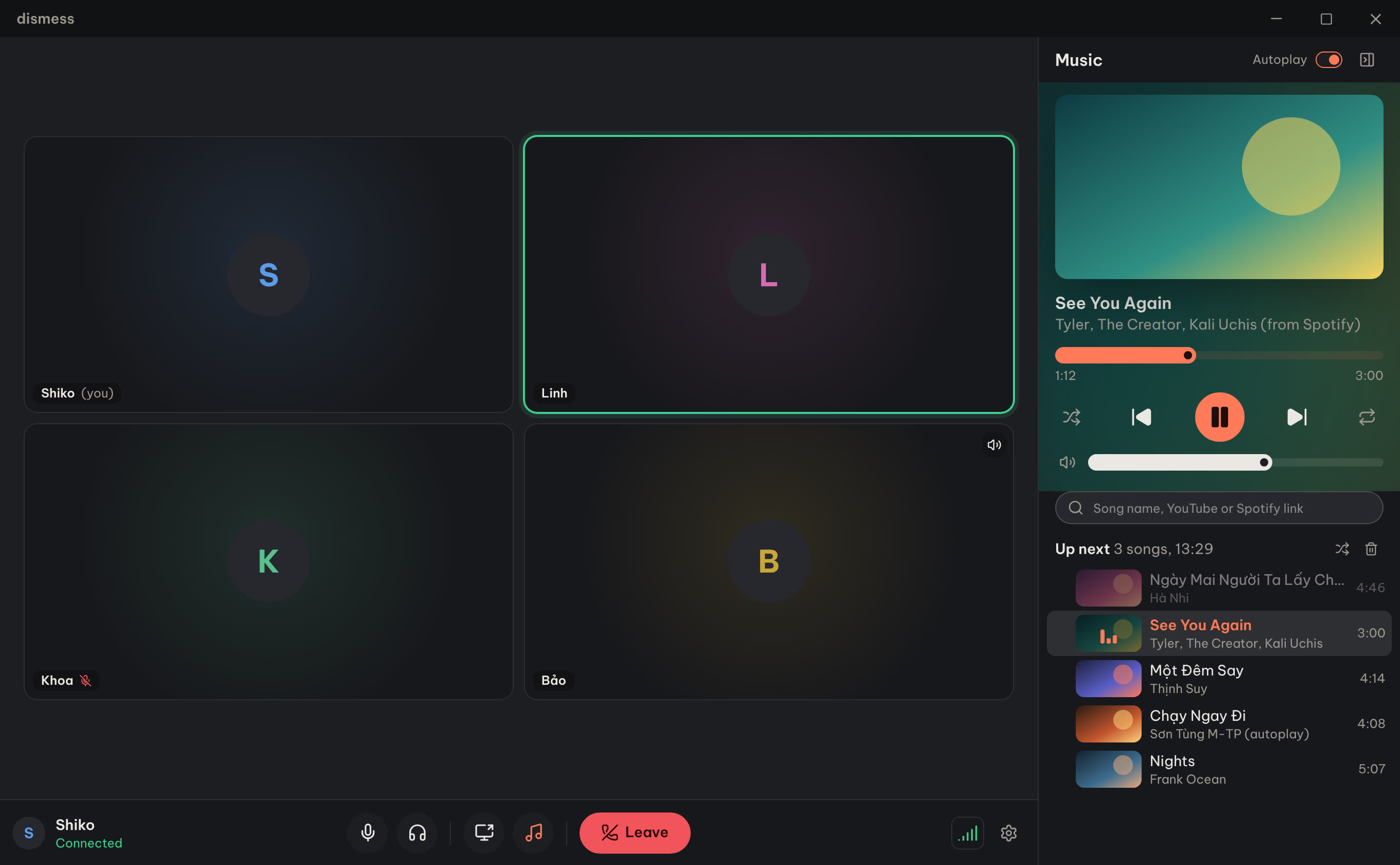
A voice room for five friends, running on Shiko's computer. Voice with less delay, 1080p 60fps screen share, and a music player for YouTube and Spotify.
Download
Windows 10 or 11, 64-bit. Installs just for you, no admin rights needed.
Install
- Run the installer. If Windows says it protected your PC, click More info, then Run anyway. The app isn't signed by a company, that's all.
- Open dismess and type your name. There's no account or password.
- Click Join room.
New versions install from inside the app: Settings, then Updates.
Server
Checking
What it does
- Voice goes to a server nearby instead of overseas, so replies land sooner.
- Screen share at 1080p 60fps with game sound. Our own voices are left out, so there's no echo.
- Music from YouTube or Spotify links, playlists, or a song name. Everyone hears it at the same moment, and covers stay covers.
- Volume for each person, 0 to 200%, just for you.
Releases
| Version | Changes | Date |
|---|---|---|